Keyboard shortcuts
Everything here also works with the mouse — the keys are for when your hands are already on the keyboard. On Windows and Linux, read ⌘ as Ctrl.
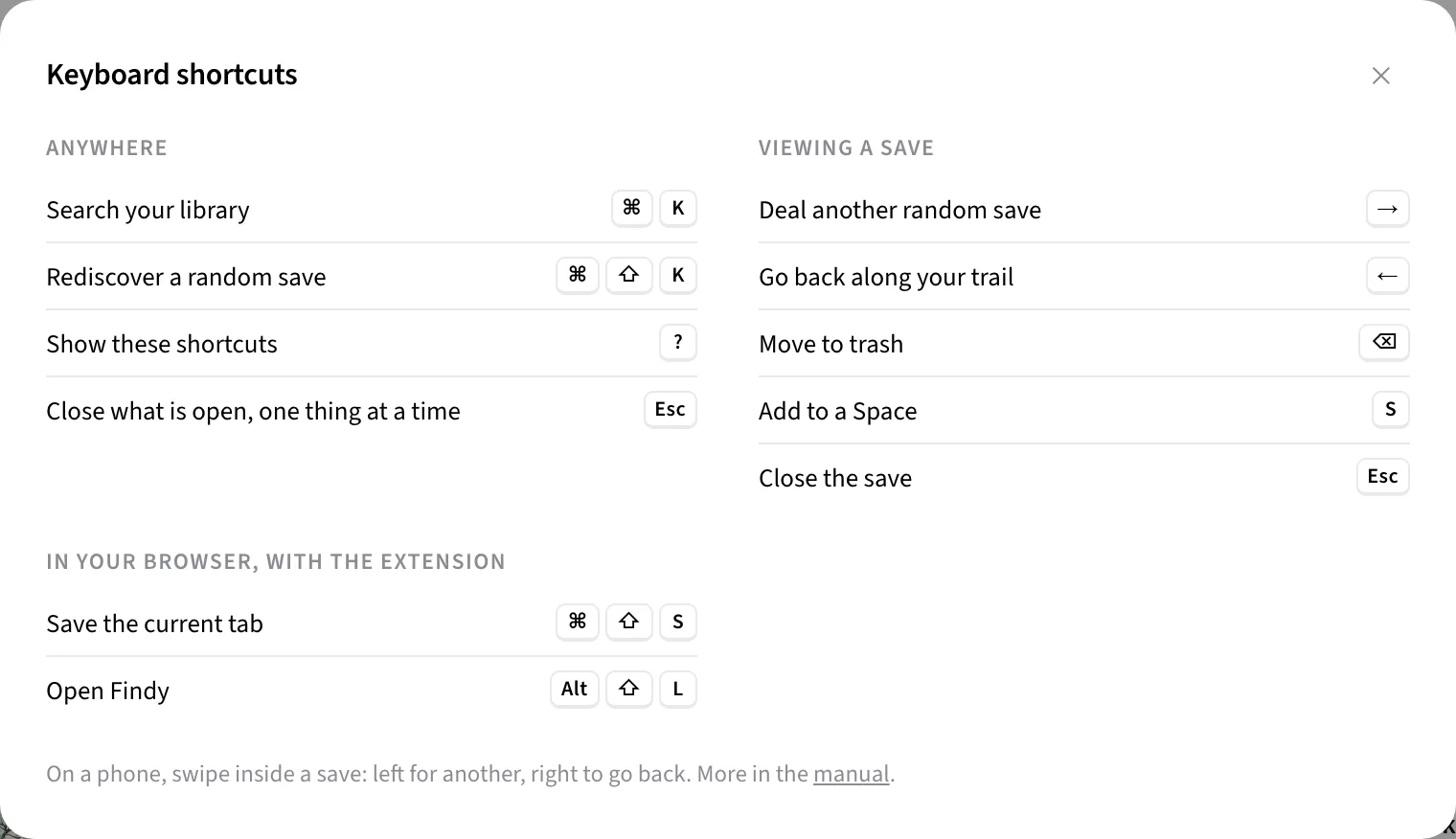
Anywhere in the app
- ⌘K — jump to the Library and put the cursor in search.
- ⌘⇧K — Rediscover: open one random save from your library.
- ? — show every shortcut, right inside the app.
- Esc — close whatever is open, one thing at a time: a menu first, then a selection, then a popover. A second press handles the next thing.
- Enter or Space on a focused card — open it.
Inside a save
The detail view works as a deck. These keys are desktop-only; the view scrolls with the usual keys, untouched.
- → — deal another random save.
- ← — go back along the exact trail you came.
- ⌫ — move the save to trash (with an Undo toast).
- S — open the add-to-space menu.
- Esc — close the save.
On a phone, swipe instead. Swipe left for another
random save, swipe right to go back. Vertical swipes always scroll —
trash and add-to-space stay as buttons, so a scroll can never delete
anything.
While browsing the web
With the extension installed:
- ⌘⇧S — save the current tab.
- Alt⇧L — open Findy in a new tab.
In search
Not keys, but worth knowing here: wrap words in quotes for exact matching — a Keyword tag appears in the search box — and combine phrases with AND, OR and NOT. Details in Search by meaning.
Next: How to find a bookmark you only half remember · All manual pages